
The Wi-Fi bars are full, but nobody can open the scheduling system. The front desk cannot process a payment, and the office phones have stopped working. Your local network may be fine; the internet connection serving it may be down.
For an Atlanta small business, a backup connection can keep essential work moving. But buying a cellular modem is only part of the job. Use this checklist with your IT provider to find out what will work when the primary connection fails, what will need a restart, and what must wait.
Start with the work you cannot pause
List the tasks your staff must complete during an outage. A backup circuit may have less capacity than your regular service, so decide what gets priority before everyone reconnects.
- Identify essential cloud apps, including scheduling, email, accounting, and shared files.
- Include VoIP phones, incoming calls, and any call forwarding arrangements.
- Check payment terminals with your payment processor; some use separate cellular service or have specific network requirements.
- Decide whether guest Wi-Fi, large downloads, and cloud backup uploads should pause.
Ask staff how they use each app. Opening a login page proves less than completing an appointment booking or retrieving a customer record. Set a realistic minimum for the number of people who need access at once. Test that workload on the backup connection, including phone calls while staff use their essential apps.
Check whether your backup takes a different path
Two internet bills do not necessarily mean two independent connections. Providers may share building entrances, conduits, or upstream infrastructure. A single cable cut could affect both.
Ask each carrier about the physical route into your building and any shared infrastructure. Request route diversity where available, and document what the carrier can confirm. A different carrier using a different access technology may reduce common points of failure, but it does not eliminate them.
If cellular is your backup, test signal quality where the modem will actually sit. A phone working by a window does not prove a modem will work inside a network closet. Review data caps, overage charges, throttling, and plan restrictions. Cellular congestion during a wider outage can reduce capacity even when the signal looks strong.
Put both connections behind the right firewall
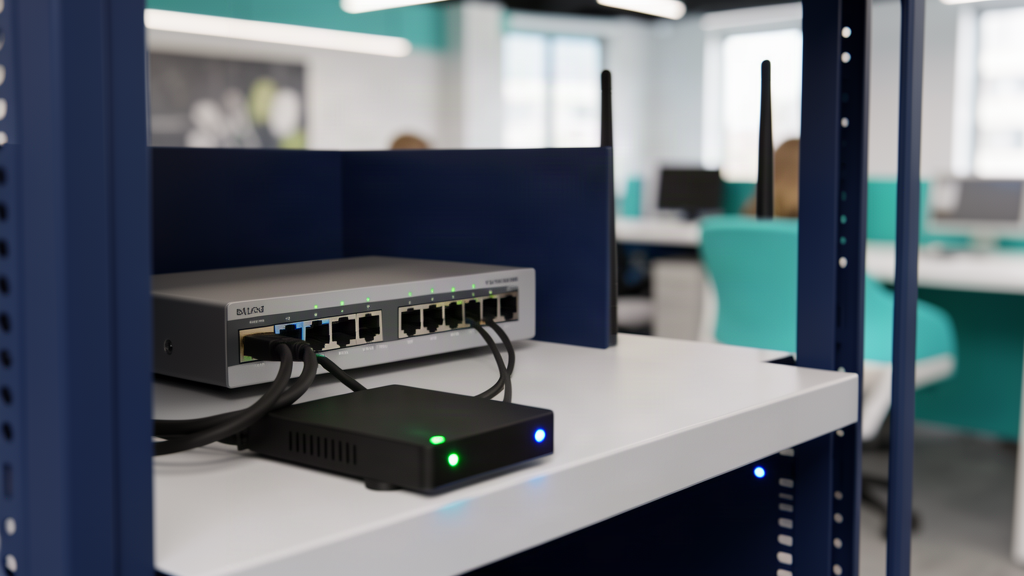
A dual-WAN firewall supports two internet connections and can switch traffic when its health checks detect a failure. Have IT configure checks that detect loss of internet access, not just whether the modem is powered on.
Keep security policies active on the backup connection. Staff should not have to bypass the firewall or connect business equipment to an unmanaged hotspot. Review filtering, logging, network separation, and bandwidth priorities on both connections.
AVS Technologies' managed firewall services are a starting point for discussing firewall management. Ask which equipment, configuration, and monitoring your office needs for dual-WAN failover rather than assuming every firewall setup includes it.
Account for power and connection changes
A backup internet service needs powered equipment. Check that your uninterruptible power supply (UPS) supports the modem or fiber terminal, firewall, cellular device, and necessary switches and wireless access points. Include the switch powering desk phones if those phones are essential.
Have IT measure runtime under the actual load and check battery condition. A UPS provides limited local runtime; it does not power the carrier's equipment or guarantee that the provider's network stays available.
Switching connections usually changes your public IP address. Dynamic addresses and carrier-grade NAT on some cellular plans can complicate VPNs, inbound access, and services that allow only approved IP addresses. Ask IT to check those dependencies before the outage.
Existing calls, VPN tunnels, payment sessions, and app connections may drop or need to reconnect. Automatic failover does not promise a seamless handoff or uninterrupted uptime. Give staff clear instructions for reconnecting and checking transaction status before retrying a payment.
Test failover and the return to normal
Schedule a controlled test with IT outside busy hours. Notify affected staff and agree on a rollback plan. Let IT simulate a primary connection failure rather than unplugging equipment at random.
- Record how long essential apps take to recover and whether staff must sign in again.
- Test incoming and outgoing calls, VPN access, and processor-approved payment checks.
- Confirm alerts reach the responsible person and security policies remain active.
- Restore the primary service and test failback. Watch for dropped sessions or repeated switching between unstable connections.
Write down results, unresolved problems, carrier contacts, and recovery steps. Name an owner for follow-up. As a practical starting point, review backup status monthly and run a controlled failover test quarterly, plus after significant network changes. Adjust the schedule with IT to match your business needs.
Know what will work before you need it
If your office has a backup connection but no written test results, start there. Schedule a free consultation with AVS Technologies to discuss your Atlanta office's essential applications, connection options, and next steps for a practical failover plan.