
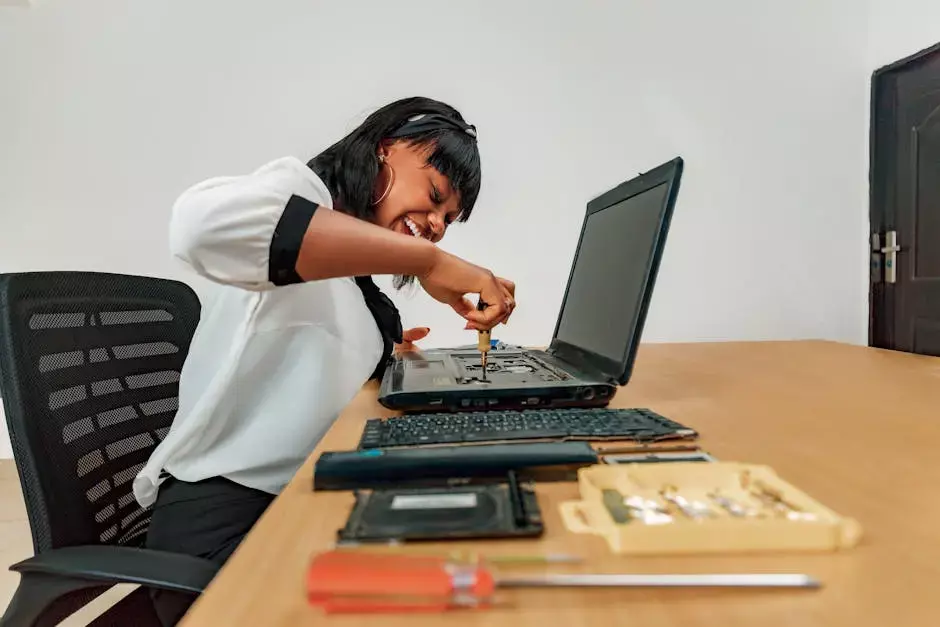
Many businesses try to stretch the life of computers as long as possible.
That instinct makes sense on paper. If a laptop still turns on and a desktop still technically runs, replacing the device can feel like an expense that should wait. But there comes a point where keeping aging hardware in service creates more cost than value.
The tricky part is that this cost is not always obvious in one large event. More often, it shows up through lost time, slower work, more user frustration, more support effort, and a growing risk of failure at the wrong moment.
That is why businesses should look at aging systems in terms of total impact, not just whether the device can still boot up.
Slower Devices Quietly Drain Productivity
One of the biggest hidden costs of aging computers is daily drag.
Employees wait longer for startup, sign-in, updates, applications, browser tabs, file access, and normal multitasking. Each delay may seem small by itself, but repeated over days and weeks it turns into a real productivity problem.
Users often adapt to that slowdown without reporting it right away, which makes the cost easier to ignore than it should be.
Reliability Usually Gets Worse with Age
Older systems are more likely to have storage problems, battery issues, overheating, memory limitations, failing components, and operating-system headaches.
Even if the machine has not failed completely, an unreliable device creates uncertainty. The user does not trust it. The IT team spends more time nursing it along. Small issues appear more often. The chance of a disruptive failure rises.
At some point, the business stops saving money and starts spending more time managing instability.
Older Devices Can Create Security Problems
Security is another major factor.
As hardware ages, it may be less capable of supporting newer operating systems, modern security features, current browser expectations, or the healthy update cadence that the business needs. Unsupported or poorly performing systems tend to become harder to secure and more likely to fall behind on the basics.
For businesses handling sensitive information or relying heavily on cloud access, that is a risk worth taking seriously.
Support Costs Go Up Too
Older machines usually demand more support attention.
More troubleshooting, more patch issues, more compatibility complaints, more startup cleanup, and more user dissatisfaction all pull time away from higher-value IT work. Even if replacement is not cheap, constantly supporting hardware that is past its prime has a cost of its own.
That cost can be hard to see if it is spread across many little incidents, but it is still real.
Replacement Decisions Should Be Planned, Not Reactive
The best time to replace business hardware is usually before a failure becomes urgent.
Planned replacement gives the business time to budget, standardize systems, prepare user migration, and avoid emergency downtime. That is often much easier with managed IT support involved before the failure happens. Reactive replacement usually happens when someone is already blocked, a critical machine has died, or the business is scrambling to recover.
That is a far more expensive moment to make decisions.
It Is Not Only About Age
A device does not need to hit a specific birthday to become a problem.
The better question is whether the system still supports the user's job reliably, securely, and without constant friction. Some devices age out because of workload demands. Others age out because support and security costs are climbing. The right timing depends on actual business use, not just the sticker date.
Final Thoughts
Aging computers start costing more than they are worth when productivity drops, support effort rises, reliability declines, and security becomes harder to maintain.
Businesses do not need to replace hardware carelessly, but they also should not confuse "still running" with "still a good business tool." Planned refresh decisions are usually cheaper and less disruptive than waiting for older systems to fail at the worst possible time.
If your business is trying to decide whether old computers should be repaired, maintained, or replaced, AVS Technologies can help. We work with businesses that need practical guidance on device lifecycle planning, stability, and day-to-day IT support. If you want a second opinion on aging workstations, request a free consultation.